GitHub Repo
Langflow 1.13 Adds Reusable OAuth Connections; Auto-Login Disabled by Default
Langflow released version 1.13.0 on October 22, adding account connections that can be shared across flows, operation auditing, and checks for concurrent editing conflicts. The release also changes the default login setting and local knowledge-base storage, so existing deployments should plan for account setup and data migration.
Langflow released open-source version 1.13.0 on October 22, bringing reusable external account connections to its workflow platform along with operation auditing and safeguards for concurrent editing. For teams that build agent and RAG applications with visual workflows, the update directly affects credential management, execution identity, and upgrade compatibility. Official release notes
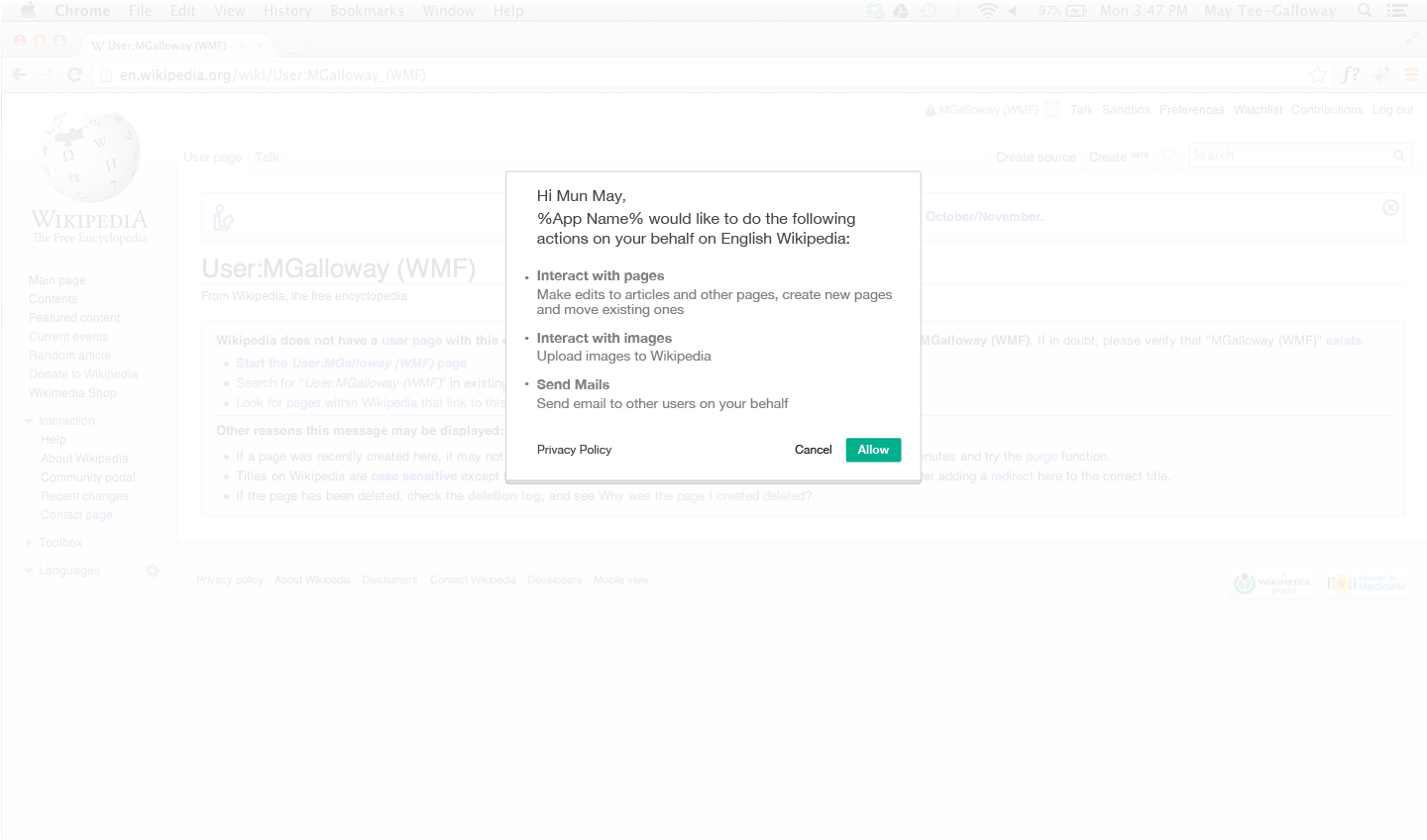
The new Connections feature supports Google Workspace, Microsoft 365, and Slack. Flows store portable connection aliases, while tokens are encrypted and stored by the backend and refreshed within the worker process that uses them. Exporting a flow does not include its tokens. After importing it into another deployment, resolution fails if the corresponding connection is missing or the executor lacks permission. Teams can therefore share flow structures, but must explicitly configure accounts and permissions in the target environment. OAuth documentation
Connection permissions also depend on how a flow is invoked. Interactive runs use the caller’s identity; webhooks and deployed services use the flow or deployment owner’s identity, and the connection must separately allow non-interactive use. Public flows and A2A entry points cannot use this mechanism to borrow the owner’s credentials. Administrators must configure OAuth registrations and scope limits first. Multi-worker deployments must share configuration, the database, and secrets. Engineering teams should test background execution, token refresh, and behavior after revocation. Execution identity rules
For collaboration, auditing can record who attempted flow and project operations, when they occurred, and their outcomes, but it must be explicitly enabled. When multiple people edit at the same time, if someone else saves first, the new version preserves the current canvas changes for review, reducing the risk that a later save will overwrite earlier changes. Official announcement
Two compatibility changes require attention before upgrading: official packages and images now set LANGFLOW_AUTO_LOGIN to false by default, so existing installations should prepare password-based login by following the instructions. Local Knowledge and Memory now use SQLite, while the Chroma DB and Local DB components are deprecated. Teams should back up the database and knowledge-base directories, then verify login, retrieval, and connection permissions. The official announcement also says Desktop 1.13 has not yet been released, so desktop users should check the release schedule separately. Upgrade guide