代理工具
Gradio Turns AI Pipelines into Executable Node Graphs, but Canvas and API Concurrency Semantics Still Differ
Gradio has officially introduced the built-in `gr.Workflow`, allowing the same node graph to be used for visual debugging, deployed to Spaces, and automatically exposed through REST endpoints. The interactive canvas can execute nodes at the same level in parallel, but generated API calls currently still run sequentially, so canvas performance results cannot be applied directly to API testing.
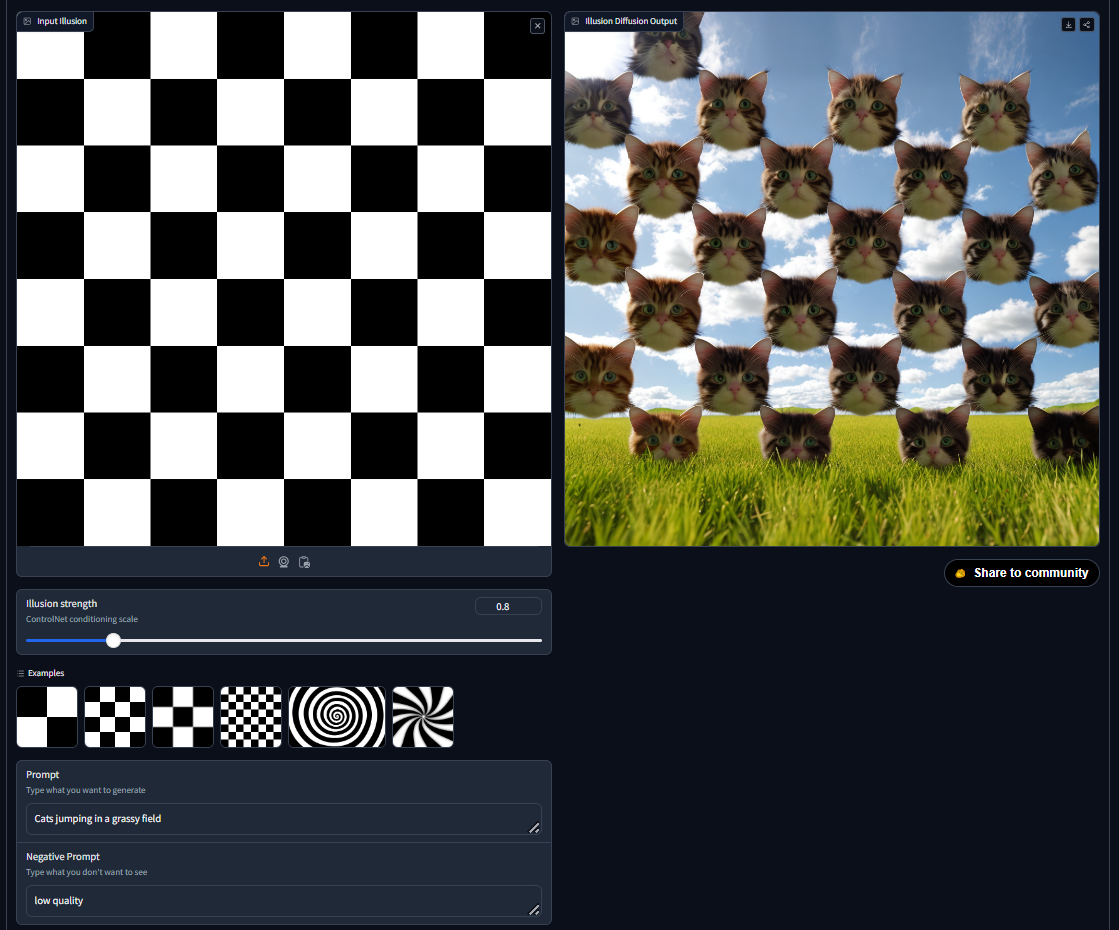
On August 25, Hugging Face published a comprehensive guide to gr.Workflow, which represents models, datasets, Gradio Spaces, and custom functions—previously connected manually in Python—as a node graph with typed ports. The underlying code had already appeared in Gradio 6.22.0 in late July; the significance of this update is that the official documentation now defines deployment, API, and authorization semantics, rather than introducing another model or inference backend.
A workflow consists of three node types: reference, operator, and subject, representing inputs, processing steps, and outputs, respectively. An Operator can call Hugging Face Inference Providers, a remote Space, a Hub dataset, or a Python function registered through bind=. The graph is saved as workflow.json, including the schema version, nodes, typed ports, and edges. It can therefore be placed under version control and generated or modified directly by software agents. Existing types cover text, images, audio, video, numbers, JSON, files, and any; however, function-signature inference is deliberately kept simple, so multiple outputs and media types generally still require manual JSON edits.
Each connected subgraph containing an output node automatically becomes a Gradio REST endpoint, while deployment continues to use gradio deploy and Spaces. This allows research prototypes to move directly from an observable node canvas to callable services. Intermediate results can also be rerun one node at a time, making the system particularly suitable for image generation, data profiling, and multi-model media pipelines.
Engineers should note two boundaries. First, the interactive canvas executes branches at the same dependency depth in parallel, but workflows triggered through the REST API currently run sequentially; latency, peak GPU usage, and timeout behavior may therefore differ substantially. Second, launching locally generates a private URL with permission to modify the workflow, while deployments to Spaces must enable OAuth to identify the owner. If the write-enabled URL is leaked, visitors may be able to alter the pipeline shown to everyone. Key issues to watch include when the API executor will gain the same parallel DAG scheduling and how schema migrations and multi-user editing conflicts will be handled.